
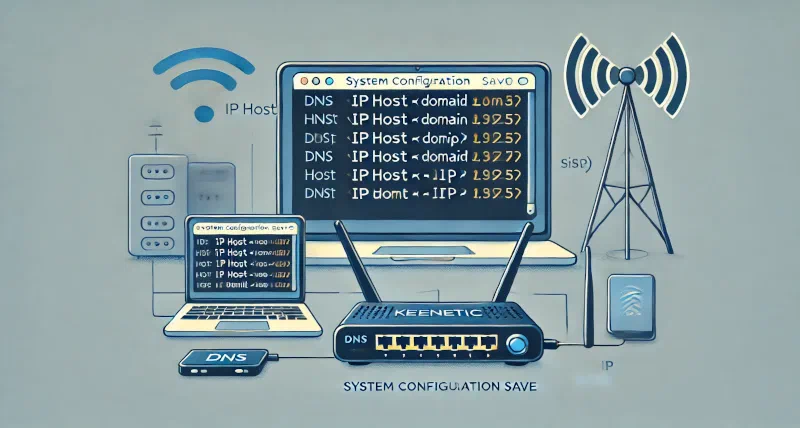
Adding DNS Records on Keenetic Routers
Keenetic routers let you add DNS records without setting up a separate DNS server.
- Connect to the router.
$ telnet <router ip address>
<enter login and password>
- Add a DNS record for the domain.
- Replace
<domain>with the domain you need. - Replace
<ip>with the IP address you want to map to the domain.
$ ip host <domain> <ip>
$ system configuration save
- To delete a DNS record, use the
no ip hostcommand.
$ no ip host <domain>
$ system configuration save